Dark Mode for Your PrestaShop Store and Back Office
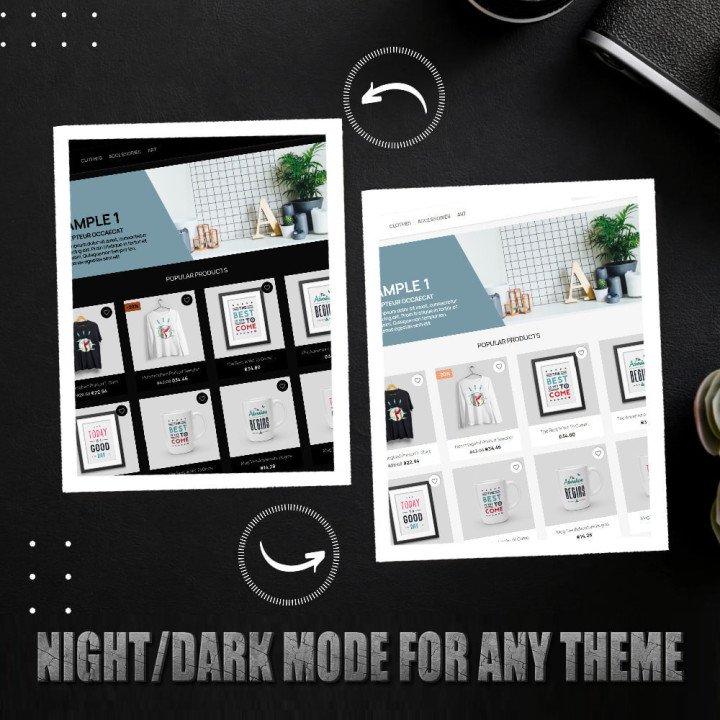
Transform the appearance of your shop with a modern dark mode, enhancing customer experience, saving energy, and strengthening brand consistency. The module supports a wide range of popular PrestaShop themes, ensuring visual consistency.
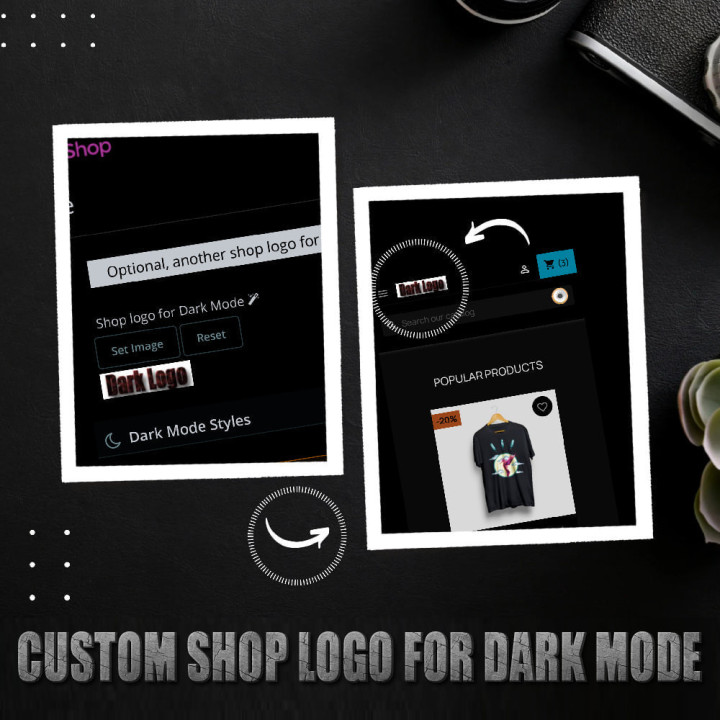
The Dark Mode module offers advanced customization options, allowing merchants to adjust the dark mode according to their specific preferences and needs. You can also select a special logo for dark mode, which ensures greater brand consistency and the ability to highlight important promotions or messages.
In short, the dark mode module offers merchants the ability to improve customer experience, energy savings, advanced personalization, and a modern look, which can lead to an increase in customer retention and sales, while demonstrating a concern for energy efficiency and the visual quality of the store.
✨ Key Features:
You can customize dark mode so your customers can enjoy a modern web store with just one click.
Dark mode is good for your device’s power consumption, as dark pixels use less battery power.
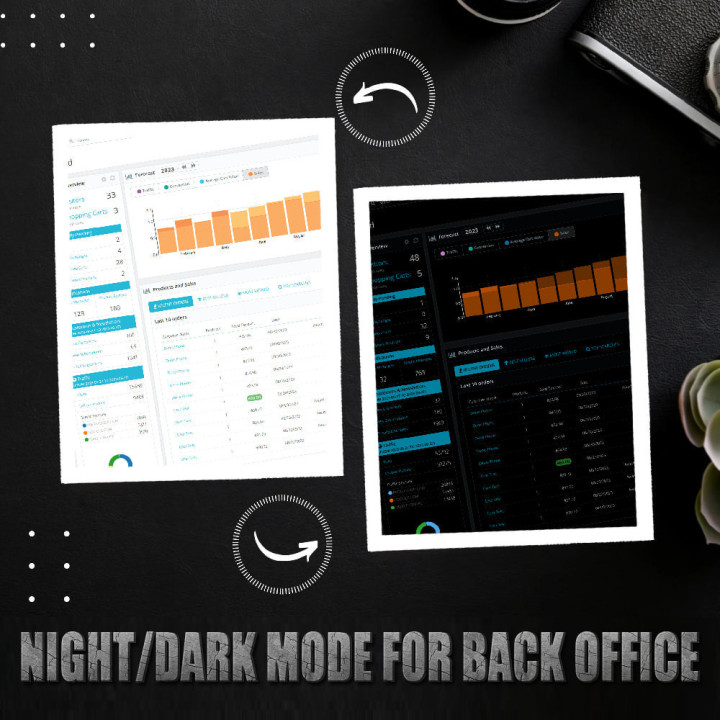
The Dark mode can be activated for the Prestashop Back Office.
Dark mode is an interesting feature that combines design, ergonomics, and even health. Not very present a few years ago, it is now appearing on many applications and software. The advantage that is ultimately the most interesting is to offer the user the choice.
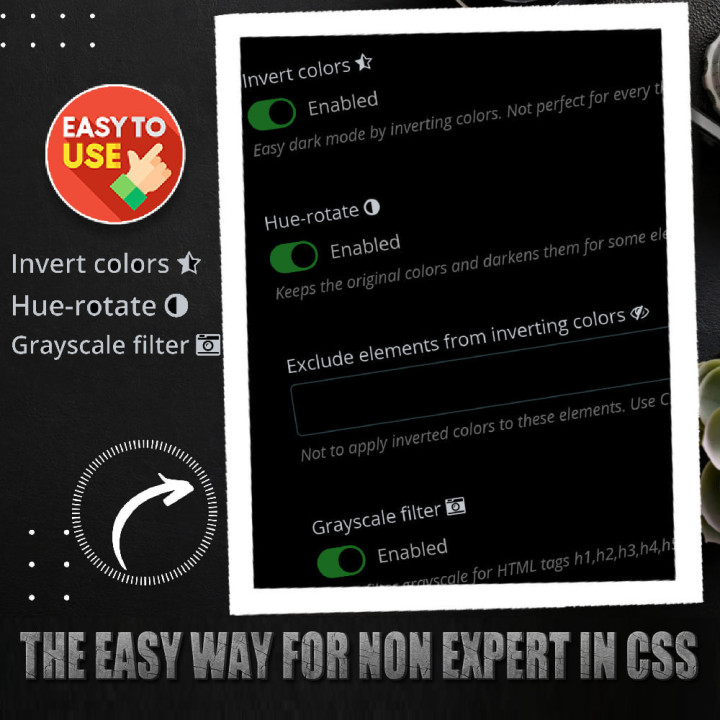
If you are not an expert in CSS: The module has an easy method to get Dark mode by inverting the colors of your site. We have made ready instructions with module settings and custom CSS for popular Prestashop themes.
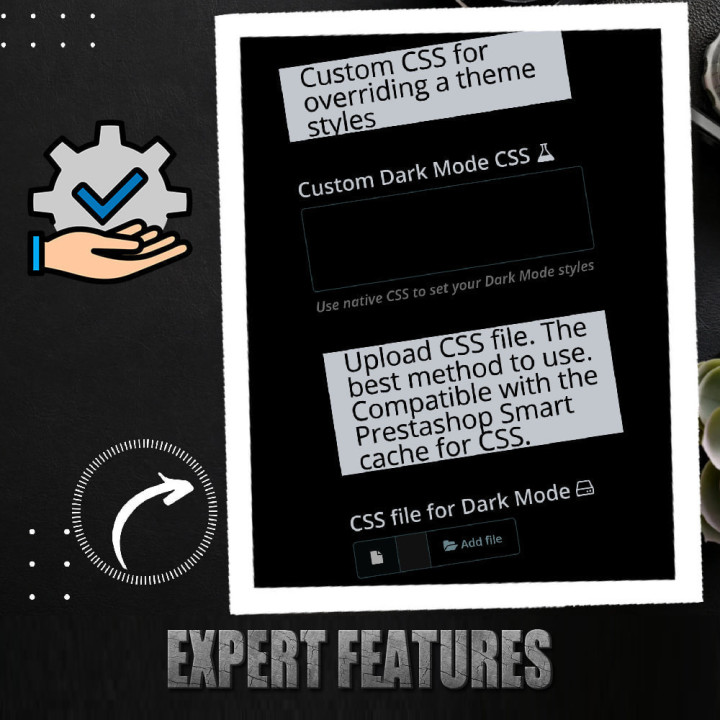
Users with CSS knowledge can enter custom code or upload a preconfigured CSS file.
- ⚫ Dark mode for any Prestashop theme
- ⚫ Dark Mode for Back Office
- ⚙️ Dark mode always enabled
- 👍 Customers can choose Light or Dark mode
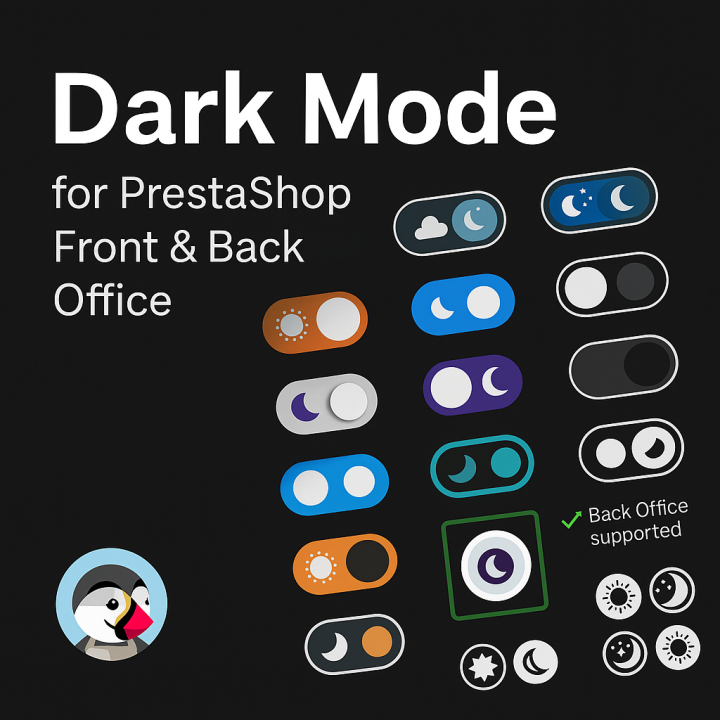
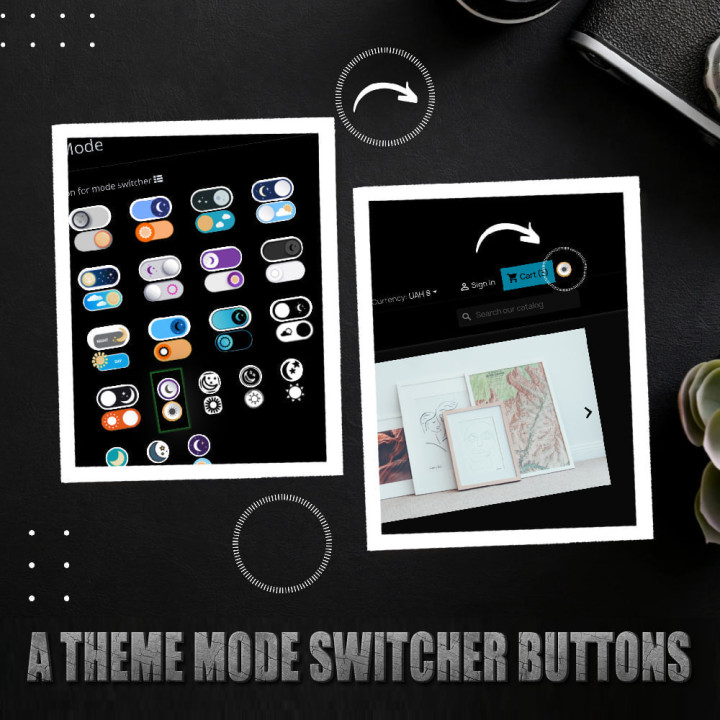
- 🔘 Set of buttons mode theme switcher for customers
- ⚡ Easy dark mode for none CSS expert (Invert the current style)
- 💻 Custom CSS code dark theme
- 📄 CSS file upload for dark themes; Compatible with the Prestashop Smart cache for CSS.
- 🖼️ Custom shop logo for dark mode
- ✅ Compatible with ThemeVolty dark/light internal mode.
- 📖 27 Ready instructions to set Dark Mode for popular Prestashop themes
- 🛠️ The module hasn’t classes or controller overrides
🚀 Benefits:
You can:
- Add a theme switcher button, so your customer can choose between light and dark mode.
- Choose to display the dark mode by default on your site or let your visitors decide.
- Choose custom dark/light icons; Beautiful icons set pack ready!
- If you are not an expert in CSS, you can choose the one-click dark mode option (Invert the current style).
- Write custom CSS code for dark mode.
- Upload a custom CSS file for a dark theme mode.
- Set up another shop logo for dark theme mode.
By installing this module, you will not only enhance the visual design of your store but also improve functionality and usability, making your customers happy and increasing your sales potential.



Comments (0)
Your review appreciation cannot be sent
Report comment
Report sent
Your report cannot be sent